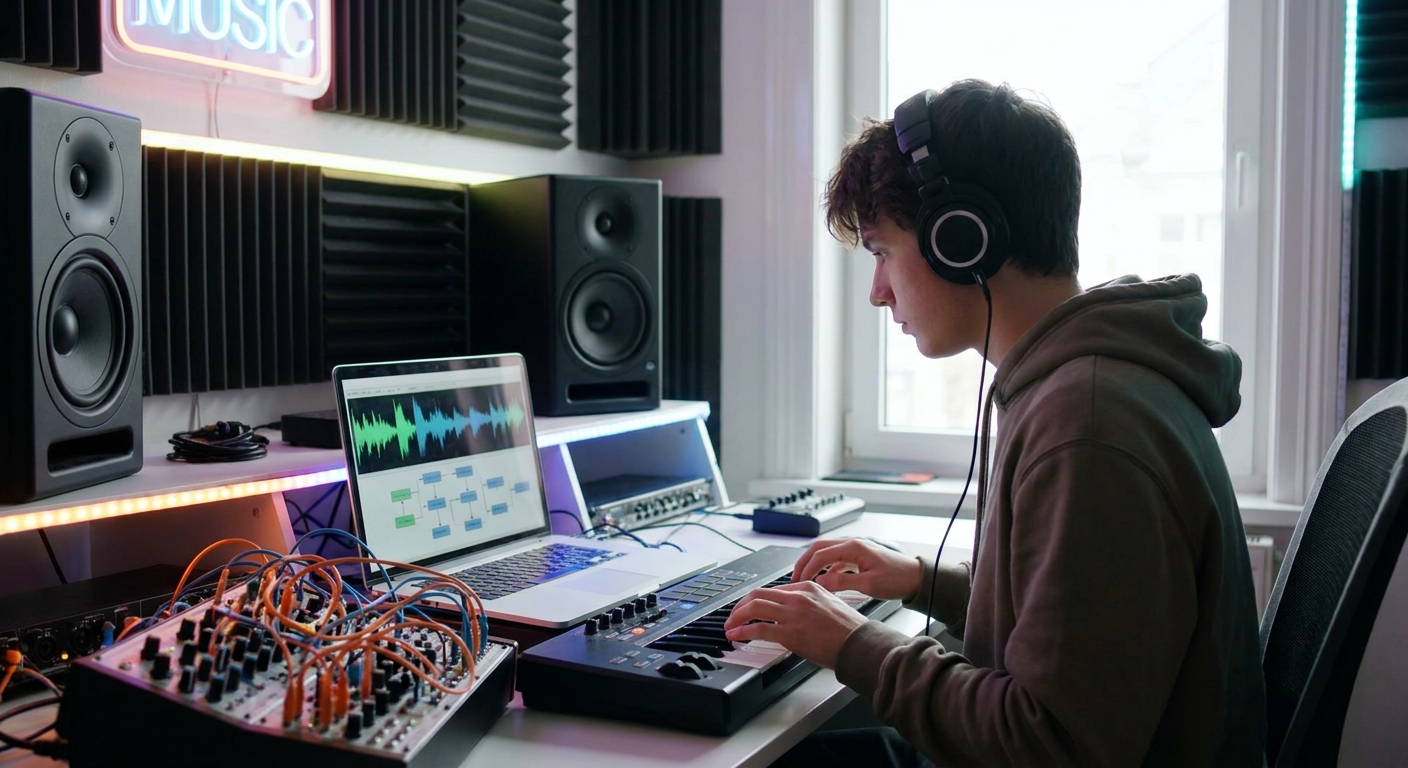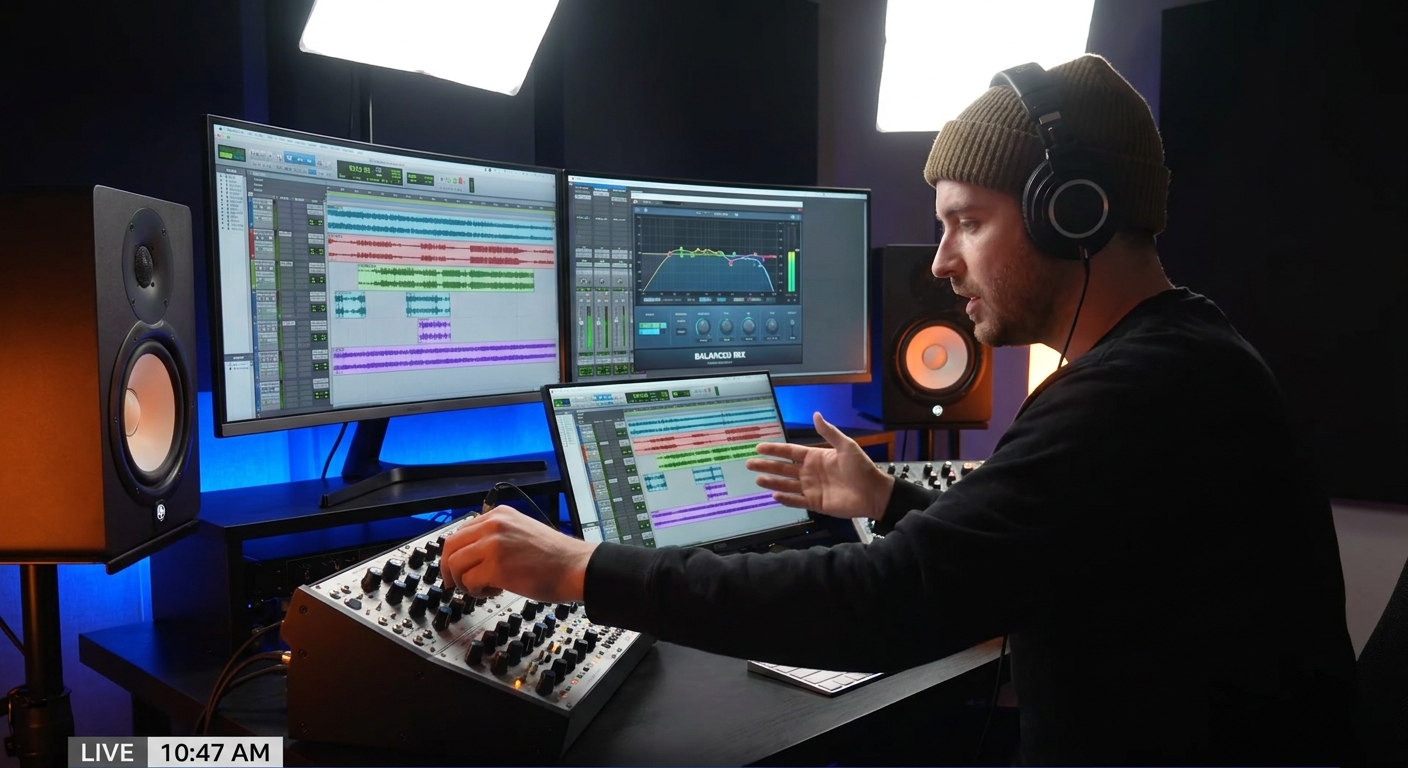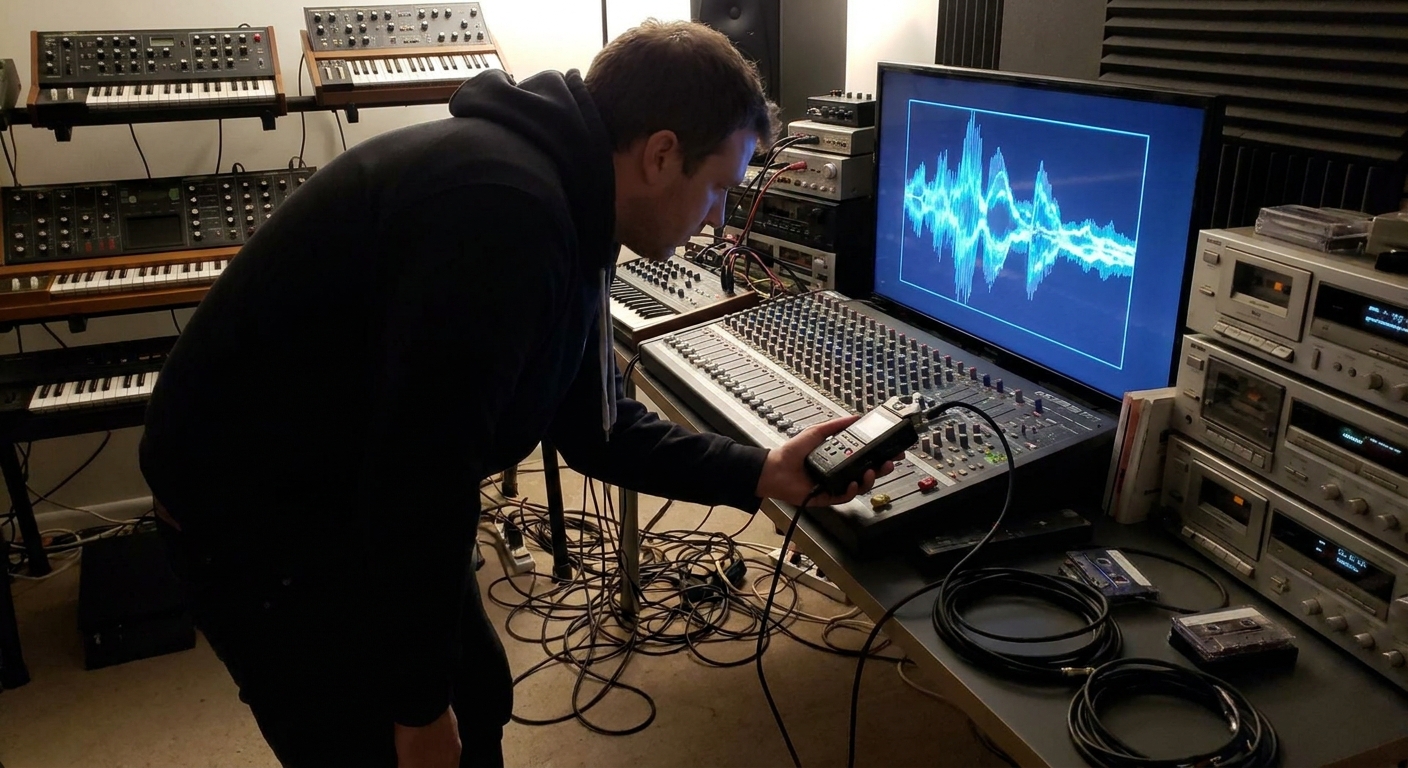
Resampling is one of the fastest ways to go from ordinary to what on earth is that?. Instead of relying on fancy synths alone, you take audio you already have—drums, vocals, random noises—then record, process, and re-record it into something new.
Why Resampling Is a Sound Designer’s Secret Weapon
You’re essentially saying: "This sound is just the raw material. Let’s melt it down and recast it."
In this article, you’ll learn practical resampling workflows in Ableton Live, FL Studio, and Logic Pro, plus plugin and routing ideas that help you build your own library of custom, never-heard-before sounds.
Core Concept: The Resampling Loop
Resampling can be summarized as a loop:
Start with audio (anything that makes a sound)
Process it (effects, time/pitch warping, modulation)
Record/bounce the result to new audio
Chop, layer, or re-process the new audio
Every cycle multiplies your options. A basic clap can become:
- A reversed reverb swell
- A granular texture bed
- A pitch-shifted synth stab
- A percussive, glitchy lead
The key is to design a signal flow you can repeat and tweak.
Workflow 1: Turning Drums into Textured Synths
Step 1: Choose a Source
Pick an interesting drum hit:
- Snare with a bright tail
- Tom with body
- Metallic percussion
Step 2: Extend & Color the Tail
Run it through heavy FX to create a long, tonal decay.
Recommended Plugins:
- Reverb: Valhalla Shimmer / VintageVerb, Ableton Hybrid Reverb, FL Fruity Reeverb 2, Logic Space Designer
- Pitch: Soundtoys Crystallizer, Ableton Pitch & Frequency Shifter, FL Pitcher, Logic Pitch Shifter
Signal Flow Idea:
Drum → Saturation → Long Reverb → Pitch Shifter → EQ
- Add saturation to bring out harmonics.
- Use a long reverb (8–20s decay) to smear the transient.
- Pitch the reverb tail up or down an octave.
Step 3: Resample the Result
Ableton:
- Create an Audio track.
- Set the "Audio From" input to "Resampling".
- Arm record and capture a few bars of the processed drum.
- Route your processed drum to a Mixer track.
- Right-click the track’s disk icon → Disk Recording → Render to WAV (or use Edison to record).
- Route the drum to a bus, select that bus as input for a new audio track.
- Record-enable and capture.
FL Studio:
Logic Pro:
Step 4: Turn It into an Instrument
Now that you have a long, tonal sample:
- Find a stable, tone-rich section.
- Cut it into a single note.
Load into a sampler:
- Ableton: Simpler or Sampler.
- FL Studio: Sampler channel or DirectWave.
- Logic: Sampler or Quick Sampler.
Enable looping and tune the sample to a note (e.g., C).
Now you’ve turned a drum into a playable pad, lead, or bass.
Workflow 2: Vocal to Atmosphere to FX Riser
Step 1: Start with Any Vocal
This can be a full acapella, a throwaway take, or even a single spoken word.
Step 2: Destroy Intelligibility, Keep Character
Goal: keep the emotion and tone, lose the lyrics.
Processing chain suggestion:
Vocal → Formant Shift → Granular / Time Stretch → Reverb → Delay → EQ
- Use formant shifting to move the vocal between childlike and monstrous.
- Apply granular/time stretching to smear it.
- Ableton: Complex Pro warp, Granulator II, Texture mode in Simpler.
- FL: Fruity Granulizer, Newtone, Stretch modes in Sampler.
- Logic: Alchemy granular, Flex Time (Speed mode), Space Designer.
Tools:
Step 3: Resample for Texture
Record several bars of the evolving, stretched vocal. Now:
- Reverse a section to create a sucking riser.
- Apply automation on reverb mix and filter cutoff to shape the swell.
Step 4: Layer with Noise & Synth
To turn it into a cinematic FX element:
- Add a subtle white noise riser synced to the same length.
- Layer a low sine swell for sub impact on the drop.
Now you’ve transformed junk vocal snippets into signature FX risers and atmospheres.
Workflow 3: Bass Resampling for Heavy Electronic Tracks
If you produce DnB, dubstep, bass house, or any bass-heavy genre, bass resampling is foundational.
Step 1: Design a Simple Bass
Use any synth (Serum, Wavetable, Massive, Alchemy):
- 1–2 oscillators, saw or square.
- Low-pass filter with envelope punch.
- Light distortion.
Step 2: Record a Riff, Not Just a Note
Create a MIDI pattern with slides, pitch bends, and rhythmic variation.
Record the synth output as audio for 8–16 bars.
Step 3: Process the Recorded Bass
Now treat this audio like clay:
- EQ away mud.
- Add heavier distortion/saturation.
- run through phaser or flanger for movement.
- Use multiband compression (OTT type) to pull detail forward.
Step 4: Slice & Rearrange
Chop the processed bass into small units:
- Single hits
- 1/4 note chunks
- Interesting fill moments
Rebuild new patterns using these slices. You’re now writing with your own bespoke bass sample pack.
DAW Tips
- Ableton: Use Slice to New MIDI Track with warp off for tight results.
- FL: Drag into Slicex or use the Playlist’s chop and make unique tools.
- Logic: Convert to sampler with Strip Silence + drag into Sampler’s zone mapping.
Smart Routing for Fast Resampling Sessions
Ableton Live Template
- Track 1: Source Synth/Drum/Vocal
- Track 2: FX Bus (insert reverb, delay, weird stuff)
- Track 3: Resample Track (Audio From → Resampling)
You can quickly toggle which tracks are audible while capturing the FX.
FL Studio Template
- Route your sound source to Insert 5.
- Add FX on Insert 5.
- Use Edison on Insert 5 to constantly record.
- Drag captured audio from Edison back into the Playlist.
Logic Pro Template
- Use a bus as an FX send.
- Route that bus into a dedicated audio track.
- Record-enable and capture everything you feed into the bus.
Essential Plugins That Shine in Resampling Chains
- Granular / Time Warp: Output Portal, Ableton Granulator II, Logic Alchemy, FL Fruity Granulizer
- Spectral / Weird: iZotope Trash 2, Kilohearts Disperser, Crystallizer, Ableton Spectral Time
- Character EQ & Filters: Soundtoys FilterFreak, FabFilter Volcano, Ableton Auto Filter, FL Love Philter, Logic AutoFilter
- Utility: Ableton Utility, FL Fruity Balance, Logic Gain for level management before/after heavy FX.
Creative Prompts to Build Your Own Library
- Field Record 10 Everyday Sounds (keys, doors, taps) and turn each into one playable instrument.
- Take your favorite synth preset, freeze/flatten it (or record it), and make five new sounds only from that audio.
- Use the same recording to make: a bass, a pad, a riser, and a drum layer.
You’ll quickly realize you don’t need thousands of presets—you need strong resampling habits.
Closing Thoughts: Resampling as a Creative Mindset
Resampling is more than a technique—it’s a mindset of recycling and transformation. Instead of hunting for the perfect sound in a plugin, you:
- Start with anything.
- Push it through a signal chain.
- Capture the result.
- Refine.
Once this loop becomes muscle memory in your DAW, you’ll stop asking, “Where do people get these crazy sounds?” and start answering, “I build them myself.”