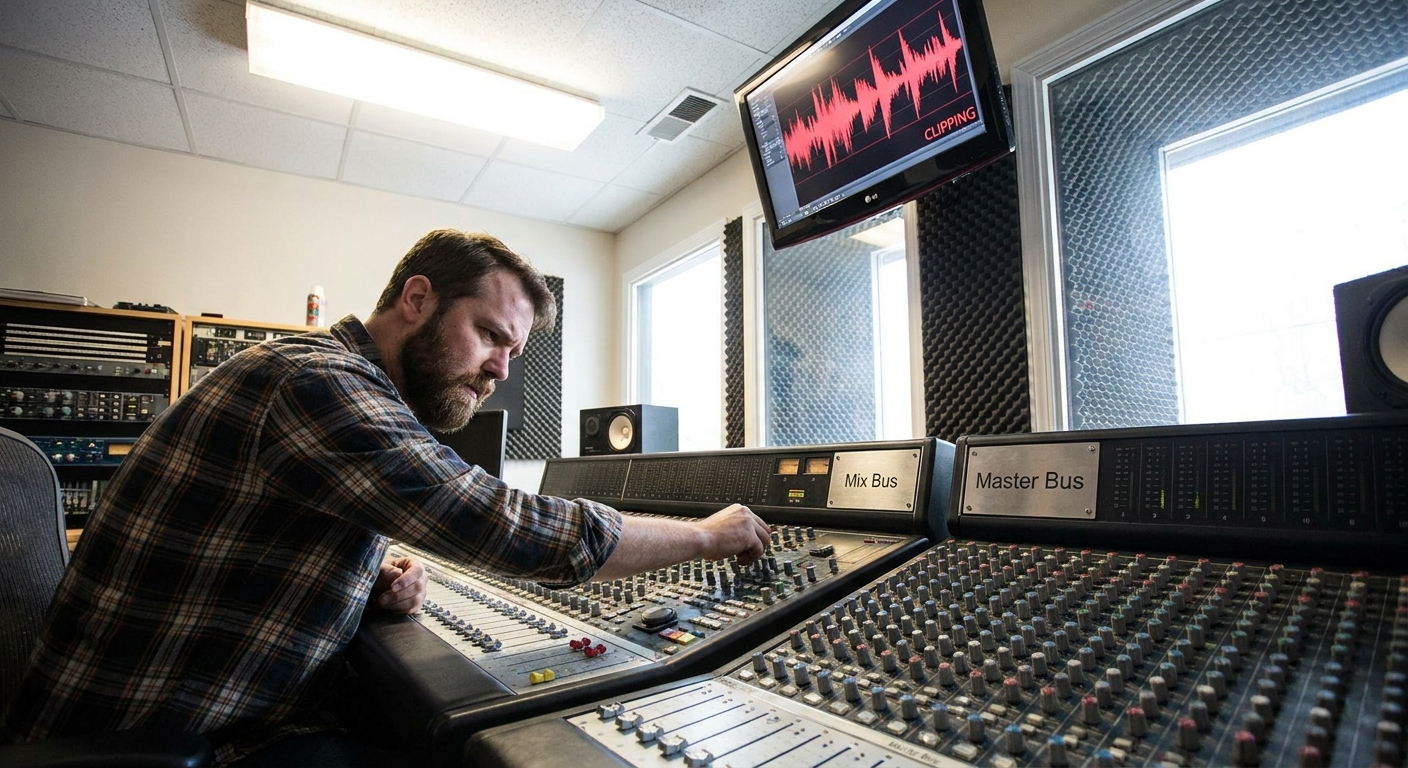
Mixing isn’t magic—it’s signal flow.
Introduction
Once you understand how audio travels through your DAW, every EQ decision, every compressor tweak, and every send effect becomes intentional instead of random. This article walks through a complete, DAW-agnostic signal flow for mixing, while calling out specific tips for Ableton Live, FL Studio, Logic Pro, and Pro Tools.
We’ll move from raw tracks to a polished, mix-bus–ready print, focusing on clear routing, plugin order, and smart gain staging.
1. The Core Principle: Signal Flow First, Plugins Second
Before thinking about favorite plugins, you need to know where the signal is going and in what order it's processed.
Typical in-the-box mixing flow:
Audio/Instrument Track →
Inserts (processing on the track) →
Sends (to aux/bus effects) →
4. Group/Buses (drum bus, vocal bus, etc.) →
Mix Bus (stereo out / master) →
Monitoring & Metering
Understanding this lets you answer questions like:
- Should reverb sit before or after EQ?
- Should I compress the drum bus or individual drums first?
- Where do I put limiters so I don’t clip?
2. Gain Staging: The Quiet Foundation of Loud Mixes
Goal: Plenty of headroom at every stage, so your plugins work optimally.
Practical Targets
- Aim for -18 dBFS RMS (or LUFS short-term) on individual tracks as a starting point.
- Keep your mix bus peaking around -6 dBFS before any limiting.
- Ableton Live: Use the Utility device at the start of each track for easy level trims; keep device chains from hitting red. Use the Spectrum device to quickly see peaks.
- FL Studio: Insert the Fruity Balance or a gain plugin before heavy processors. Watch the Mixer’s pre-fader meter to avoid clipping plugins.
- Logic Pro: Put the Gain plugin as your first insert if a track was recorded too hot. Use the pre-fader metering option in the mixer.
- Pro Tools: Use Trim plugins at the top of each channel. Pro Tools’ meters are very accurate—aim for green with occasional yellow peaks.
DAW-Specific Tips
3. Track-Level Signal Flow: Building a Channel Strip
Most channels follow a similar logic:
Cleanup / Utility (gain, polarity, basic filtering)
Tone Shaping (subtractive EQ)
Dynamics Control (compression / expansion)
Character / Color (saturation, “analog” modeling)
Creative FX (modulation, special filters, delay sends)
Example: Vocal Channel Chain
Step-by-step logic:
Utility
- Goal: Proper level and phase. - Plugins: Gain / Trim. - Turn down overly hot recordings and correct phase if multi-mic.
Subtractive EQ
- High-pass filter (70–100 Hz) to remove rumble. - Gentle cuts in boxy area (200–400 Hz) and harshness (3–5 kHz) if needed. - Plugin ideas: - Ableton: EQ Eight (mid/side mode for stereo material). - FL: Fruity Parametric EQ 2 (visual, easy to learn). - Logic: Channel EQ (surgical and transparent). - Pro Tools: EQ III (fast and CPU-light).
Compression
- First compressor for leveling (3–6 dB GR, medium attack/release). - Plugins: - FabFilter Pro-C 2 (highly controllable). - Waves R-Vox (simple and effective for vocals). - Stock LA-2A / 1176 emulations in any DAW for character.
De-essing
- Tame 5–8 kHz for sibilance. - Stock de-essers in all DAWs work, or FabFilter Pro-DS for finesse.
Color / Saturation
- Add harmonics for presence and thickness. - Plugins: Soundtoys Decapitator, Softube Saturation Knob, stock saturators.
Post EQ / Air
- Gentle high-shelf at 10–15 kHz for air. - Move de-esser later if the air boost exaggerates sibilance.
Sends to Reverb & Delay (more on sends later)
4. Bus Routing: Turn Tracks into Cohesive Groups
Instead of mixing 60 individual tracks, use buses to think in “instruments.”
Common buses:
- Drum Bus
- Bass Bus
- Music Bus (keys, guitars, synths)
- Vocal Bus (lead + backing)
- FX Bus (impacts, risers)
- Shared processing: one glue compressor on the drum bus instead of 12 on every drum.
- Faster automation: ride one fader for the entire vocal stack.
- “Macro” tonal control: adjust brightness or thickness per group.
- Ableton Live: Use Group Tracks (Cmd/Ctrl+G). Insert bus processing on the group track. Route all related channels inside.
- FL Studio: Route multiple channels to a single Mixer insert using the routing arrows at the bottom of the mixer.
- Logic Pro: Use Summing Stacks or send tracks to Bus outputs and name them clearly (e.g., “BUS DRUMS”).
- Pro Tools: Create Aux Input channels, set their input to a stereo bus, and route tracks’ outputs to that bus.
Why Buses Matter
DAW Routing Notes
5. Using Sends and Returns Like a Pro
Key idea: Reverb and delay are usually better as sends (aux/return tracks) than as inserts.
Why Sends?
- Share one reverb across multiple instruments → cohesive space.
- Independent control of wet level via send amount.
- Save CPU by using one high-quality plugin instance.
- Short Room Reverb (glue, depth)
- Long Plate/Hall Reverb (vocals, leads)
- Tempo-Synced Delay (1/4, 1/8, dotted)
- Parallel Compression Bus (for drums or entire mix)
Typical Return Tracks
Creative Routing Idea
Send your drum bus to:
- A parallel compression bus (heavy compression, then blend back).
- A distortion bus for aggressive energy.
This maintains punch and clarity on the clean bus while adding excitement in parallel.
6. Mix Bus Flow: The Final Stage Before Mastering
Your mix bus (master) is where your entire mix lands. Treat it gently.
Typical mix bus chain:
Subtle Tone Shaping EQ
Gentle Glue Compressor (1–2 dB GR max)
Saturation / Color (optional)
Limiter (for mix-check loudness, but don’t crush it)
Best Practices
- Insert your mix bus chain early and mix into it (except the limiter, which can be added later for reference).
- Avoid more than 2–3 dB of total gain reduction on bus compression.
- Always A/B with and without mix bus processing at matched loudness.
- EQ: FabFilter Pro-Q 3, stock linear-phase EQs for gentle shelves.
- Glue Comp: Waves SSL G-Master, Cytomic The Glue, Ableton’s Glue Compressor.
- Saturation: Slate Virtual Tape Machines, UAD Studer, or any tape emulation.
- Limiter: FabFilter Pro-L 2, Ozone Maximizer, or any stock brickwall limiter.
Plugin Suggestions
7. Creative Workflow: A Signal-Flow-First Mix Checklist
- Organize & Color-Code tracks (drums, bass, music, vocals, FX).
- Route each group to its own bus.
- Set initial gain staging so nothing is clipping and mix bus has headroom.
- Rough Balance & Panning with faders only.
- Track-level cleanup: high-pass, subtractive EQ, basic compression.
- Bus-level glue: sweeten tone, mild compression.
- Set up sends: global reverbs, delays, parallel comp.
- Creative tweaks: automation, effects, ear candy.
- Mix bus finishing: gentle EQ/compression, light limiting.
Conclusion
Once you see your mix as a network of signal paths instead of a random pile of plugins, decisions become faster and more musical.
Start every mix by:
- Designing your routing (tracks → buses → mix bus).
- Setting conservative levels.
- Building consistent channel strips.
Your favorite plugins will sound better automatically, because they’ll be working inside a clear, intentional signal flow.