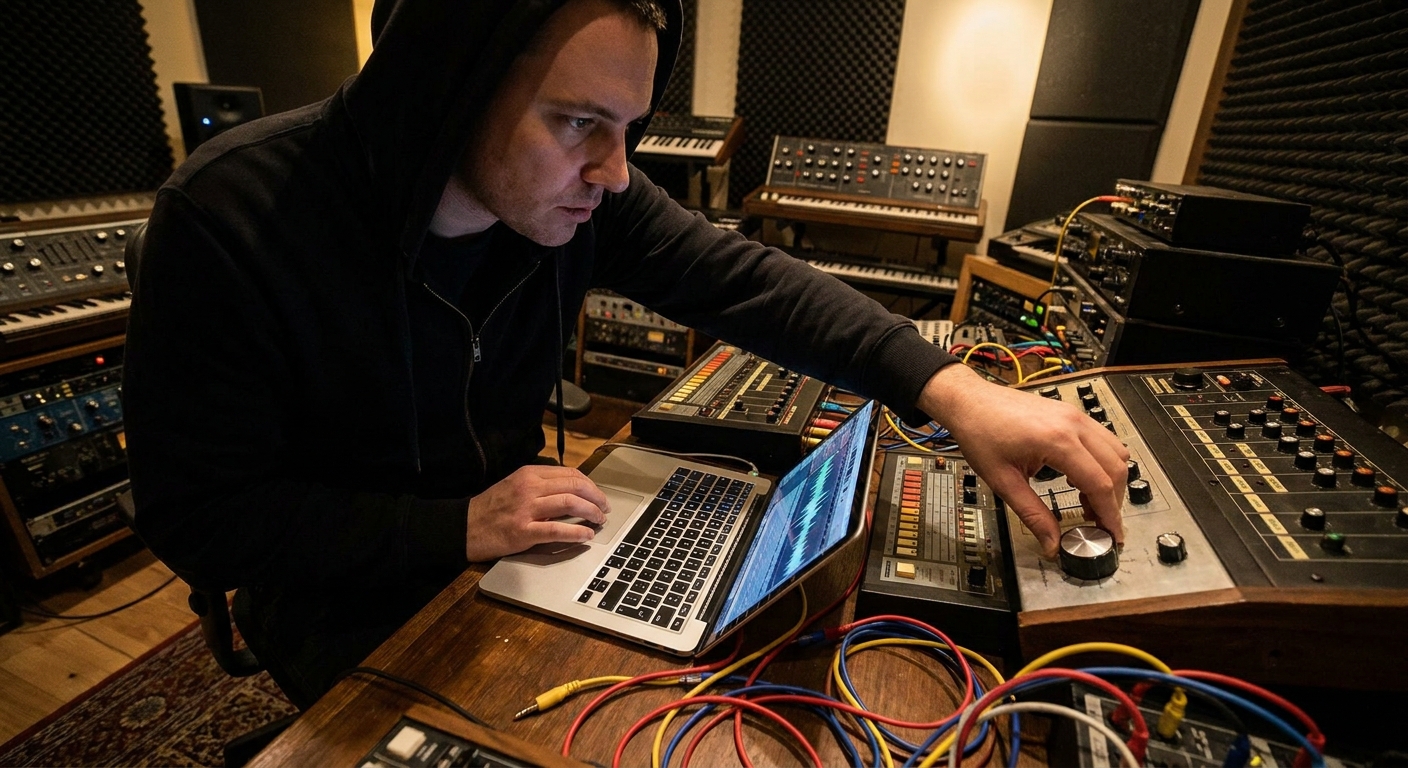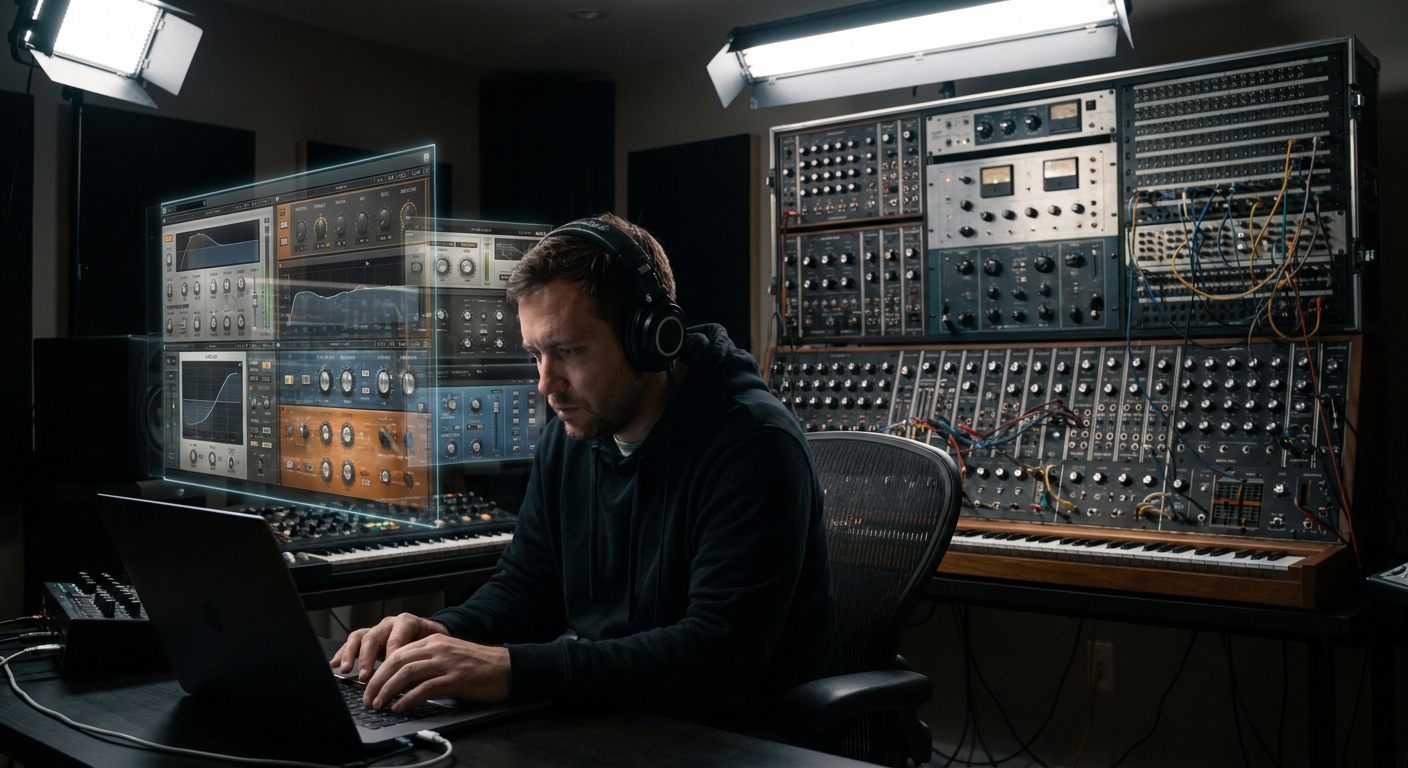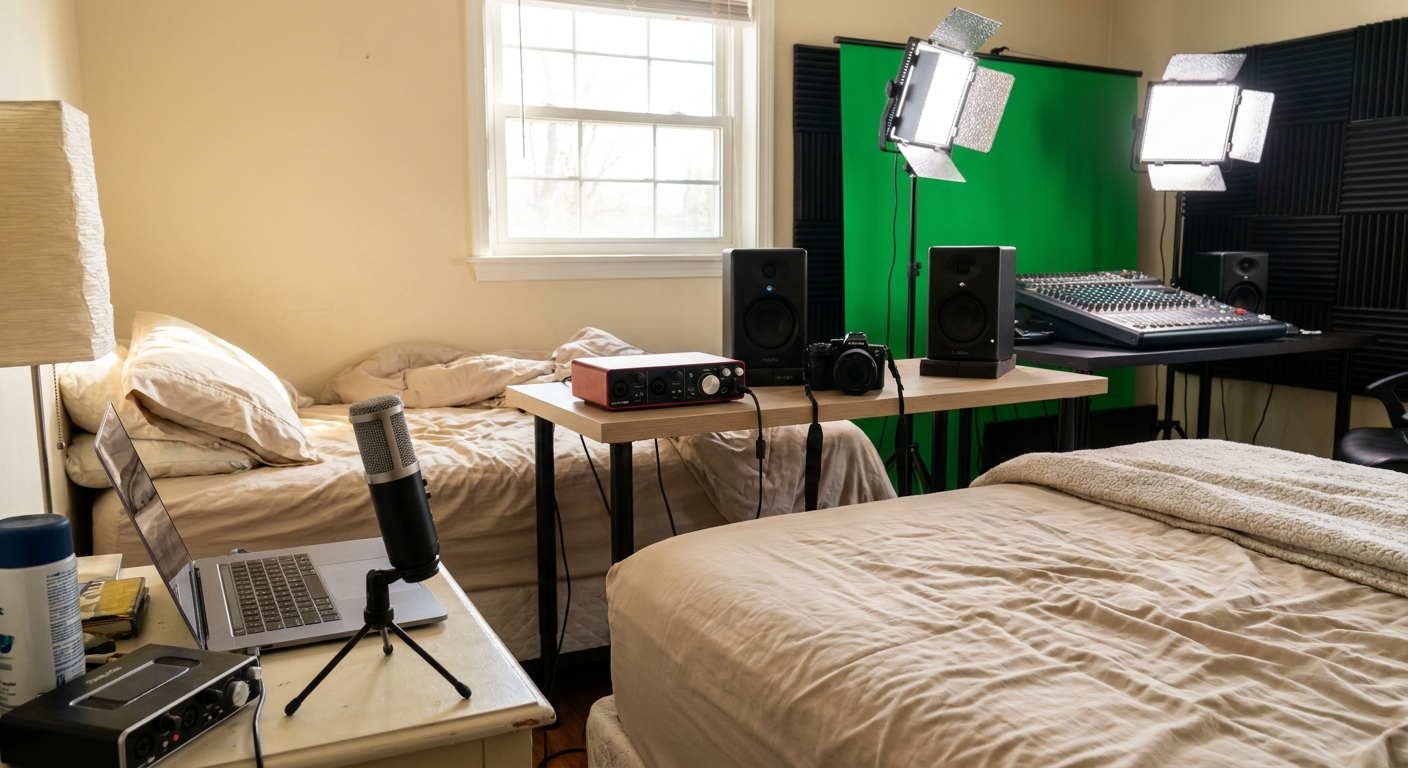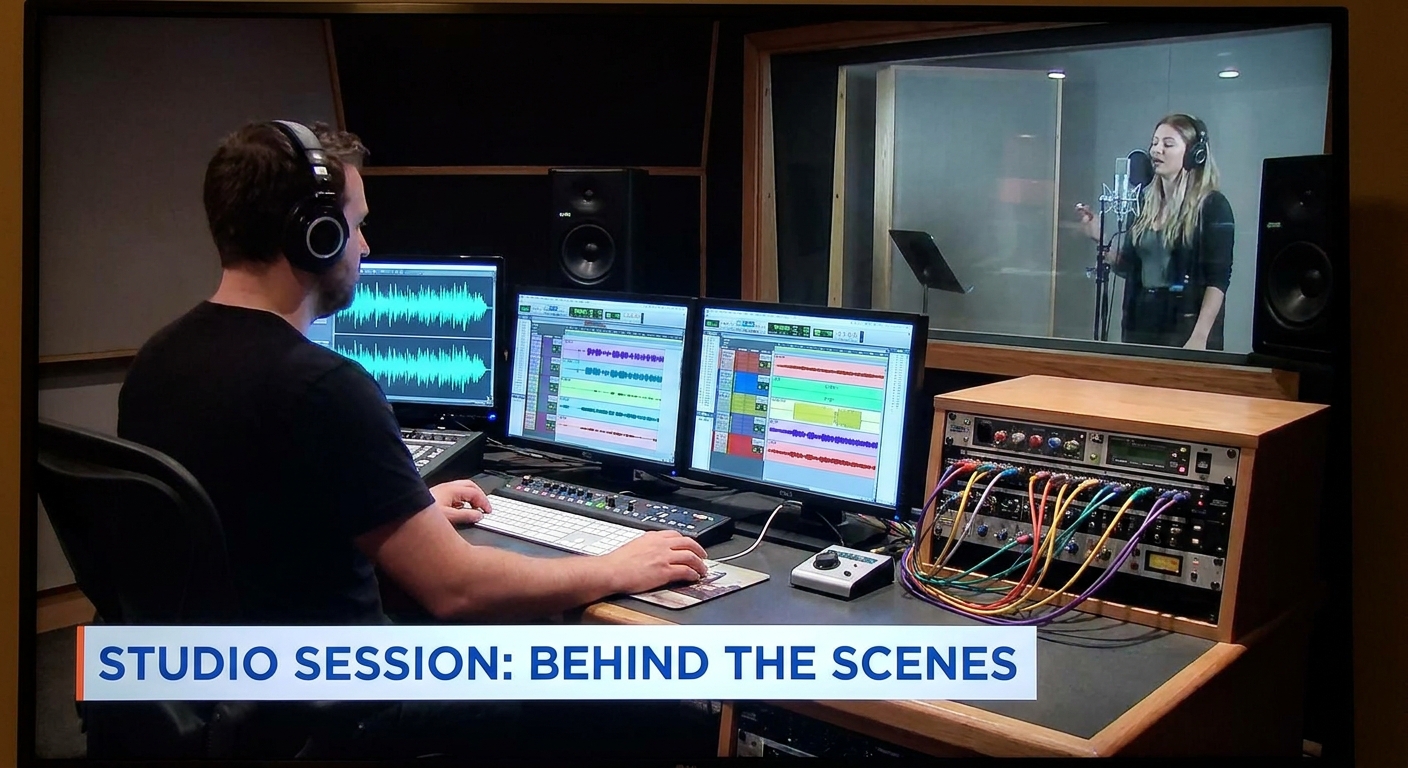
Most producers collect gear. Great producers design systems. The difference is signal flow: understanding how audio moves from source to speakers, and how every piece of studio gear shapes that journey.
Introduction: Stop Buying Gear, Start Designing Systems
In this article, we'll build a modern studio signal chain—from microphone to master bus—then translate it across popular DAWs (Ableton Live, FL Studio, Logic Pro, Pro Tools). We'll talk hardware and plugins, and finish with creative workflows you can apply today.
1. The Core Concept: Signal Flow as a Story
Think of signal flow as storytelling:
Capture – microphone, DI, interface
Shape – preamps, EQ, compression, saturation
Space – reverb, delay, modulation
Control – bus processing, limiting, metering
Translate – monitoring and room
Every piece of gear either:
- Adds information (harmonics, ambience)
- Removes information (noise, harshness, dynamics)
- Organizes information (panning, bus routing, sidechains)
Your job is to make these decisions intentional instead of accidental.
2. Front End: Capture Chains That Don’t Get in the Way
Microphone & DI Choices
- Dynamic mics (e.g., Shure SM7B, SM57)
- Great for loud sources, aggressive vocals, guitar cabs
- Naturally roll off some top-end harshness
- Condensers (e.g., Rode NT1, Audio-Technica AT4040)
- More detail; better for softer vocals, acoustic instruments
- Reveal the room, good or bad
- DI boxes
- For bass, synths, and guitars when you want clean, controllable tone
Creative tip: Track key synths through a passive DI into a mic preamp with slight saturation—this adds subtle non-linearity that helps them sit in the mix.
Audio Interface as Your Studio Hub
Key specs that actually matter:
- Clean preamps with enough gain (especially for dynamics)
- Low-latency drivers
- Stable clock and decent converters
- Entry: Focusrite Scarlett, SSL 2+
- Mid: MOTU M4, UA Apollo Solo
- Pro: RME Babyface Pro, Apogee Symphony
Solid choices:
3. The Invisible Hero: Gain Staging in Any DAW
Proper gain staging is the difference between punchy mixes and brittle chaos.
General Rule of Thumb
- Set recording levels around -18 dBFS RMS (peaks around -10 to -6)
- Keep individual tracks averaging below -12 dBFS
- Aim for your mix bus peaking between -10 and -6 dBFS before limiting
DAW-Specific Gain Staging Moves
Ableton Live
- Place a Utility plugin as your first insert to trim input
- Use Group Tracks for buses; add glue compression at subtle ratios (2:1)
- Right-click faders > Type in value for precise staging
- Use Fruity Balance or Fruity Limiter (Gain only) as pre-EQ trim
- Use Gain plugin first in chain
- Set channel strip meters to dBFS pre-fader in Preferences > Display
- Use Trim plugin first on inserts
- Watch pre-fader metering on each track (Options > Pre-Fader Metering)
FL Studio
Logic Pro
Pro Tools
4. Sculpting Tone: EQ, Compression, and Character
EQ: Subtractive First, Additive Only When Needed
Recommended plugins:
- Clean EQs: FabFilter Pro-Q 3, Stock EQs in all major DAWs
- Character EQs: Waves API 550, UAD Pultec, Softube Weiss EQ MP
Workflow:
Subtractive EQ – remove rumble, resonances, harshness
Tonal shaping – gentle boosts that support the arrangement
Context checks – EQ in the mix, not in solo
Example vocal chain (any DAW):
High-pass filter 70–90 Hz
Cut 2–4 dB around 200–400 Hz if muddy
Tame sibilance at 5–8 kHz if needed
Gentle presence boost around 3–5 kHz
Compression: Controlling Motion, Not Killing It
Recommended plugins:
- Versatile: FabFilter Pro-C 2, stock compressors
- Color: Waves CLA-76, UAD LA-2A, Klanghelm MJUC
Parallel Compression Bus
In all DAWs:
Create an AUX/Return named Drum Crush
Insert a fast compressor (1176-style)
Ratio: 4:1 or higher, attack fast, release medium-fast
Slam it: 10–15 dB gain reduction
Blend send from drums until they feel bigger, not just louder
5. Bus Architecture: Organizing Your Mix Like a Pro
Create a fixed bus template so every project starts organized.
Suggested Bus Layout
- Drum Bus
- Bass Bus
- Music Bus (keys, guitars, synths)
- Vocal Bus (leads, BVs, ad-libs)
- FX Bus (sweeps, risers, impacts)
- Mix Bus → Print/Master Track
DAW Translation
Ableton Live: Use Group Tracks for each bus, then route Groups to a single MIX audio track.
FL Studio: Route similar channels to dedicated submix tracks (e.g., Drum Bus) and then into a PRE-MASTER track before the Master.
Logic Pro: Use Summing Stacks or Bus Sends, then route all buses into a dedicated MIX BUS aux that feeds the Stereo Out.
Pro Tools: Use AUX Inputs as buses, route all tracks’ outputs to these, then from buses into a MIX aux, then into PRINT audio track.
6. Creative Chains: Beyond “Correct” Into Interesting
Harmonic Layers with Saturation
Try a dual-path workflow:
- Duplicate a key element (e.g., lead vocal or main synth)
On the duplicate, use:
- Decapitator, Soundtoys Radiator, FabFilter Saturn, or stock saturators
Filter that duplicate:
- Low-pass 6–8 kHz - High-pass 200–300 Hz
Blend low under original for thickness and warmth
This gives you controllable harmonic density without wrecking clarity.
Time-Based FX as Rhythmic Tools
- Use sidechain compression on reverb returns keyed from the dry signal
- Big, lush reverb that ducks during notes and blooms in the gaps
- Use tempo-synced delays (1/8, 1/4, dotted or triplet) and low-pass filter them heavily so they’re more groove than echo.
7. Monitoring: The Most Important “Gear” You Own
Even the best signal chain fails if you can’t hear accurately.
Room + Monitors
- Treat early reflection points with basic acoustic panels
- Use calibration software (Sonarworks SoundID, IK ARC) if possible
Headphones
- Open-back for mixing: Sennheiser HD600/650, Beyerdynamic DT 990
- Closed-back for tracking: Audio-Technica ATH-M50x, Beyerdynamic DT 770
- Laptop speakers
- Phone
- Cheap earbuds
Pro tip: Always have a “translation chain”—check mixes on:
8. A Repeatable Workflow Template
Setup & Routing – load template with buses and basic processing
Capture Clean – commit to tones that are musical but not extreme
Gain Stage – trim into plugins, protect mix headroom
Shape Elements – EQ/compression for each sound’s role
Organize by Buses – process groups for glue
Add Character – saturation, creative FX, automation
Monitor Smart – multiple systems, realistic volume
When your gear serves this signal flow story, it stops being a random collection of tools and becomes an instrument in itself.
Closing Thoughts
Studio gear is less about the logo on the box and more about the logic of your chain. Design a signal flow that helps you:
- Capture clearly
- Shape musically
- Organize efficiently
- Create fearlessly
Refine your template a little with every project, and your studio will quietly evolve into a system that pulls great records out of you instead of getting in the way.