You can have the best samples on earth and still end up with a stiff beat. What makes listeners nod their heads isn’t just what you use, but how the timing and velocity interact. This article dives deep into drum programming, micro-timing, and swing across different DAWs so your beats feel alive instead of looped.
Why Groove Matters More Than Sound Selection
1. The Anatomy of a Groove
A groove is built from three main components:
- Grid (Timing) – Where notes fall relative to the beat.
- Velocity (Energy) – How hard each hit is played.
- Space (Density) – Where you don’t place notes.
Your job as a beat maker is to bend the grid just enough to sound human, while keeping the rhythm cohesive.
2. Drum Programming Foundations
2.1 Start with a Skeleton Pattern
For most modern hip-hop, R&B, and pop:
- Kick: anchors the groove (1, the “and” of 2, beat 3, etc.).
- Snare/Clap: often on beats 2 and 4 (or similar backbeat).
- Closed Hats: provide motion (1/8 or 1/16 notes).
Create a simple, quantized loop first—no swing, no fancy fills. Then gradually add feel.
2.2 DAW Grid Basics
Set your project to:
- Tempo: 70–80 BPM (modern trap/hip-hop double-time feel) or 90–110 BPM (boom bap, neo-soul, pop).
- Time Signature: 4/4 (unless you’re intentionally experimenting).
Use 1/16 quantization for trap/hats, 1/8 for simpler grooves.
3. Groove and Swing in Different DAWs
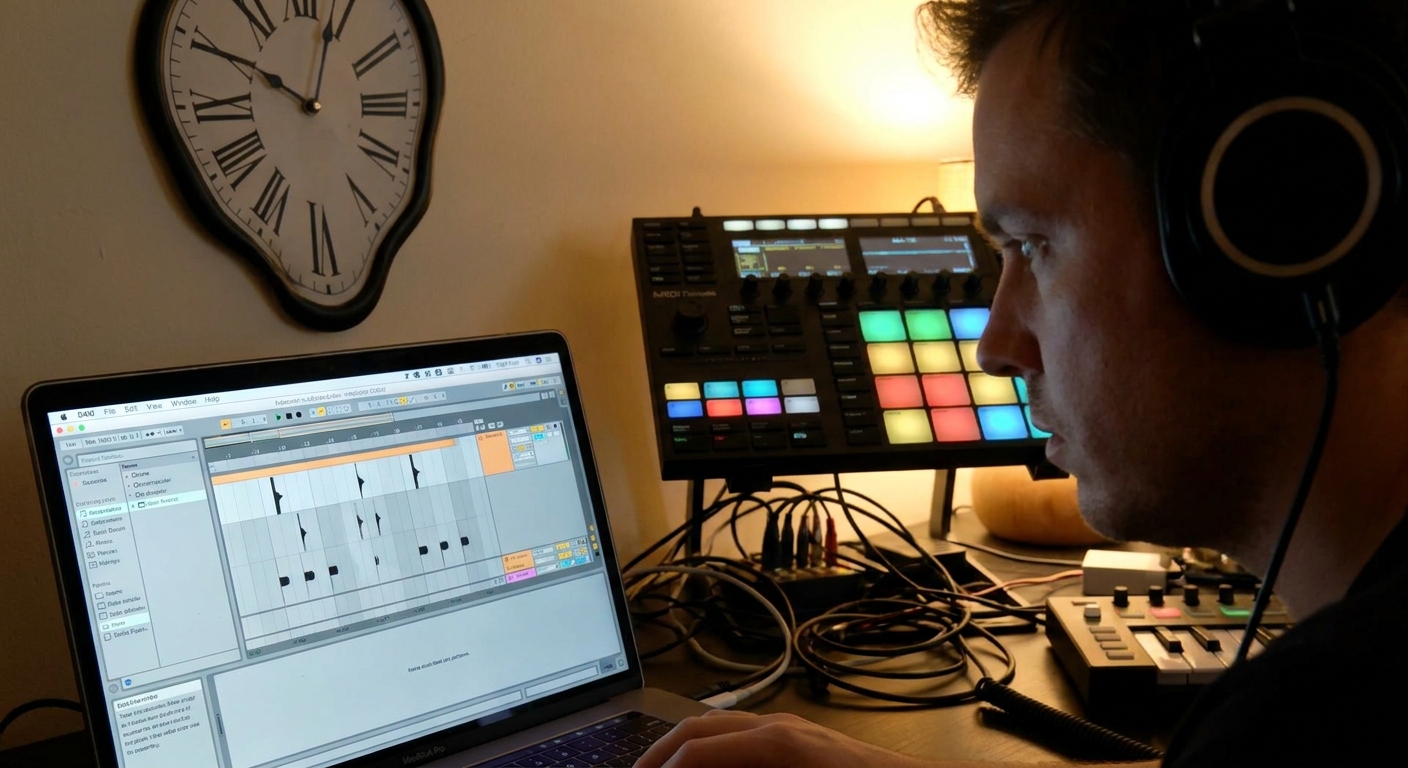
3.1 Ableton Live: Groove Pool Mastery
Ableton’s Groove Pool is a powerful but underused tool.
- Open the Groove Pool (bottom left).
- Drag a preset groove (e.g., MPC, Logic Swing) into the pool.
Adjust:
- Timing – how far notes move from the grid. - Random – slight timing variation. - Velocity – dynamic variation. 4. Drag the groove onto any MIDI clip to apply.
Pro move: Extract Groove from a real drum loop (right-click a clip) and apply it to your programmed drums.
3.2 FL Studio: Per-Channel Feel
In FL Studio, you can humanize at the Channel Rack and Piano Roll levels.
- Use the Global Swing knob to push offbeat notes.
- For hats:
- Open Piano Roll → Alt+R (Randomizer) to vary velocity and timing.
- Use Shift knob per channel to offset hits slightly earlier or later.
3.3 Logic Pro: Swing Quantize and Humanize
Logic gives precise swing control:
- In the Region Inspector, set Quantize to 16A, 16B, 16C etc. for different swing amounts.
- Use Q-Strength to decide how strictly notes lock to that swing.
- Use MIDI Transform → Humanize to randomize timing and velocity within a small range.
3.4 Studio One: Groove Templates & Quantize
- Use the Quantize Panel to adjust swing.
- Extract groove from an audio loop by creating a Groove Template, then apply it to MIDI parts.
4. Micro-Timing: Behind, Ahead, and Locked
Subtle shifts of just a few milliseconds can drastically change the feel.
4.1 Push vs. Pull
- Snare slightly late (+5 to +15 ms): laid-back, soulful vibe.
- Snare slightly early (−5 to −10 ms): urgent, energetic feel.
Try this:
- Duplicate your main drum loop.
- In one version, drag all snare hits slightly after the grid.
- In the other, drag them slightly before the grid.
- A/B to hear how tension and relaxation shift.
4.2 Hats as Motion Controllers
Closed hats define the speed of the groove.
Techniques:
- Alternate velocities: strong–weak–medium–weak across 1/16 notes.
- Add grace notes/rolls just before snare hits.
- Use Note Nudge keyboard shortcuts (e.g., Alt + arrow in many DAWs) to shift selected notes by 1–2 ticks.
- Turn off absolute snap when fine-tuning micro-timing.
DAW tips:
5. Velocity Shaping: Programming Dynamics
5.1 Snare and Clap Accents
Not every backbeat hit must be the same weight.
- Make snares slightly louder on transitions (end of 4 or 8 bars).
- Layer a clap with higher velocity on key accents.
5.2 Hi-Hat Velocity Patterns
Example patterns (trap, 1/16 notes):
- Staircase: gradually rising then dropping velocity to build tension.
- Call & Response: first half of bar louder, second half softer.
- Accent Every 4th Note: push beats 1e, 2e, 3e, 4e slightly harder.
Use your DAW’s velocity tools:
- Ableton: velocity lane in MIDI clip.
- FL Studio: Piano Roll velocity at bottom.
- Logic: Velocity tool or MIDI Transform.
- Studio One: Note Editor velocity lane.
6. Layering and Panning for Rhythmic Width
6.1 Ghost Percussion
Add subtle perc hits (rims, shakers, sticks) at low velocities between kicks and snares.
- Pan slightly left/right (10–20%).
- High-pass around 200–300 Hz to avoid mud.
This creates a sense of rhythmic "chatter" around the main groove.
6.2 Stereo Hats and FX
- Keep main closed hat close to center.
- Use secondary hats or open hats panned wider with more reverb.
- Add reverse cymbals or noise sweeps leading into new sections.
Avoid phase issues by occasionally checking in mono.
7. Processing Drums for Punch and Character
7.1 Kick and Snare Chains
Kick (typical chain):
- EQ: HPF at 20–30 Hz, cut mud at 200–400 Hz, maybe a boost at 60–80 Hz.
- Saturation: for harmonics (better translation on small speakers).
- Compression: only if dynamics are inconsistent.
Snare (typical chain):
- EQ: HPF at 100 Hz, dip harshness at 3–6 kHz.
- Transient Shaper: enhance attack without over-compressing.
- Reverb (Send): short room or plate, pre-delay 10–30 ms.
7.2 Drum Bus Glue
On the Drum Bus:
- Bus Compressor: slowish attack (20–30 ms), medium release, 2–4 dB GR.
- Optional Tape/Bus Saturation plugin for warmth.
- SSL-style bus comps (Cytomic The Glue, SSL Native Bus Compressor, stock SSL types).
- Saturation: Decapitator, Saturn, Kramer Tape, stock tape emus.
Plugins worth learning:
8. Creative Drum Workflows
8.1 Audio Chop Method
Instead of MIDI, try dragging drum hits as audio clips:
- Quickly duplicate and shift hits.
- Use clip gain to adjust hit loudness.
- Apply per-hit FX (EQ, distortion, reverse) for variation.
8.2 Resampling for Grit
- Route your Drum Bus to a separate Audio track.
- Record the entire loop.
- Chop and re-import that recorded loop.
- Process the resampled audio with bitcrushers, filters, and lo-fi FX.
This mimics classic MPC/SP-1200 workflows.
9. Practicing Groove Like an Instrument
Treat groove building as a skill you practice:
- Exercise 1: Recreate the groove of a favorite track from scratch.
- Exercise 2: Make 8 drum loops at the same tempo with radically different feel.
- Exercise 3: Limit yourself to kick, snare, and one hat, but aim for max bounce.
Render your best loops as a personal groove library you can reference or reuse.
Closing Thoughts
Groove is the invisible architecture under every great beat. It lives in the millisecond shifts, the slight volume changes, and the way your elements breathe together. Commit to studying timing and dynamics with the same intensity you give to sound selection or plugins, and your beats will start to feel like they play with the listener instead of at them.