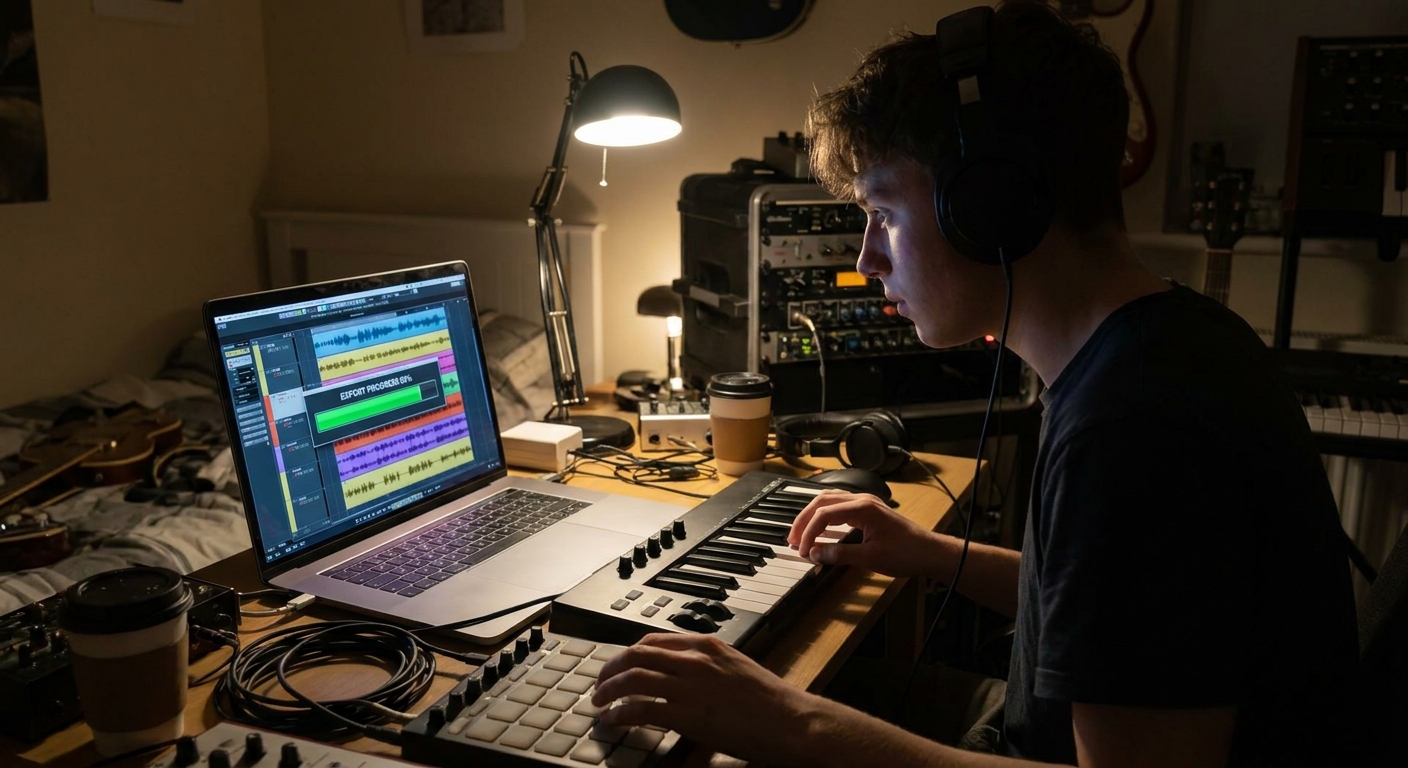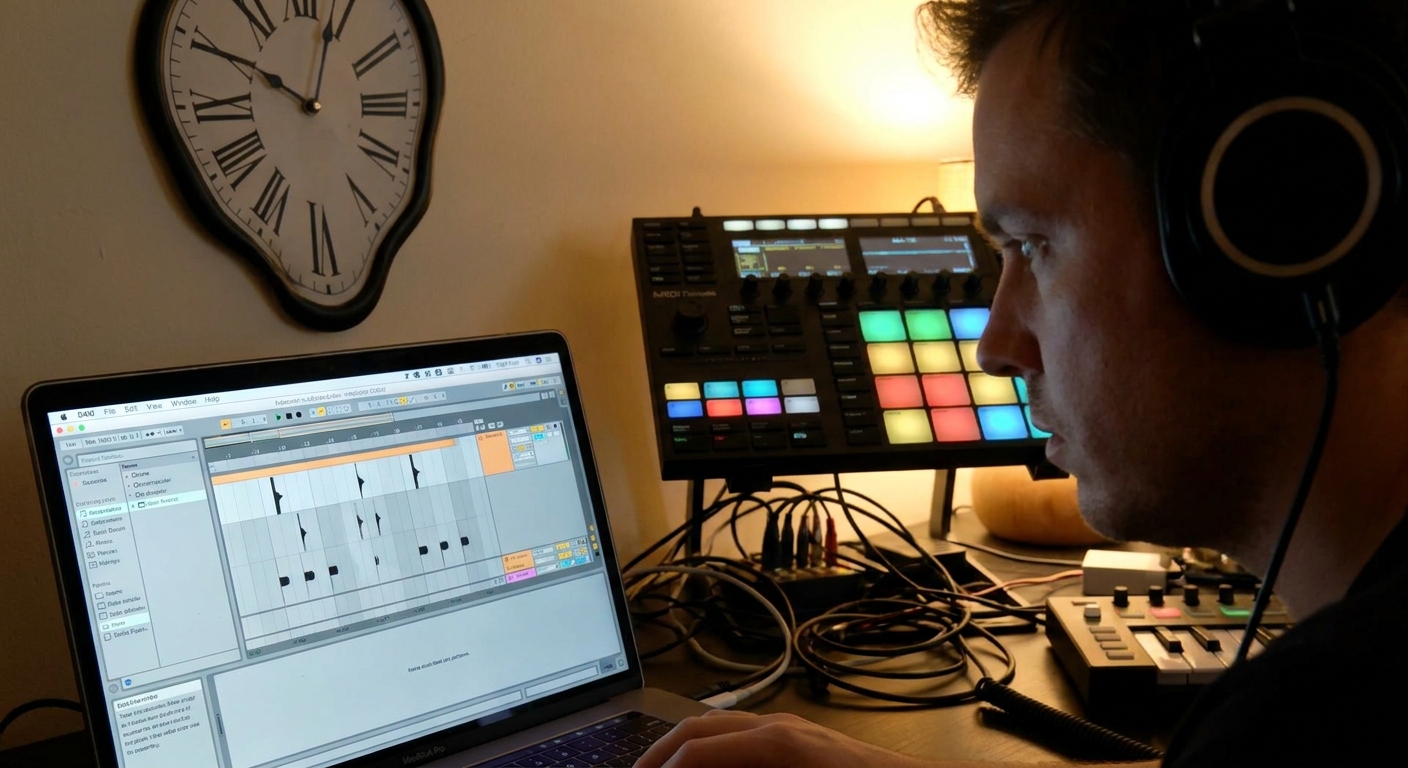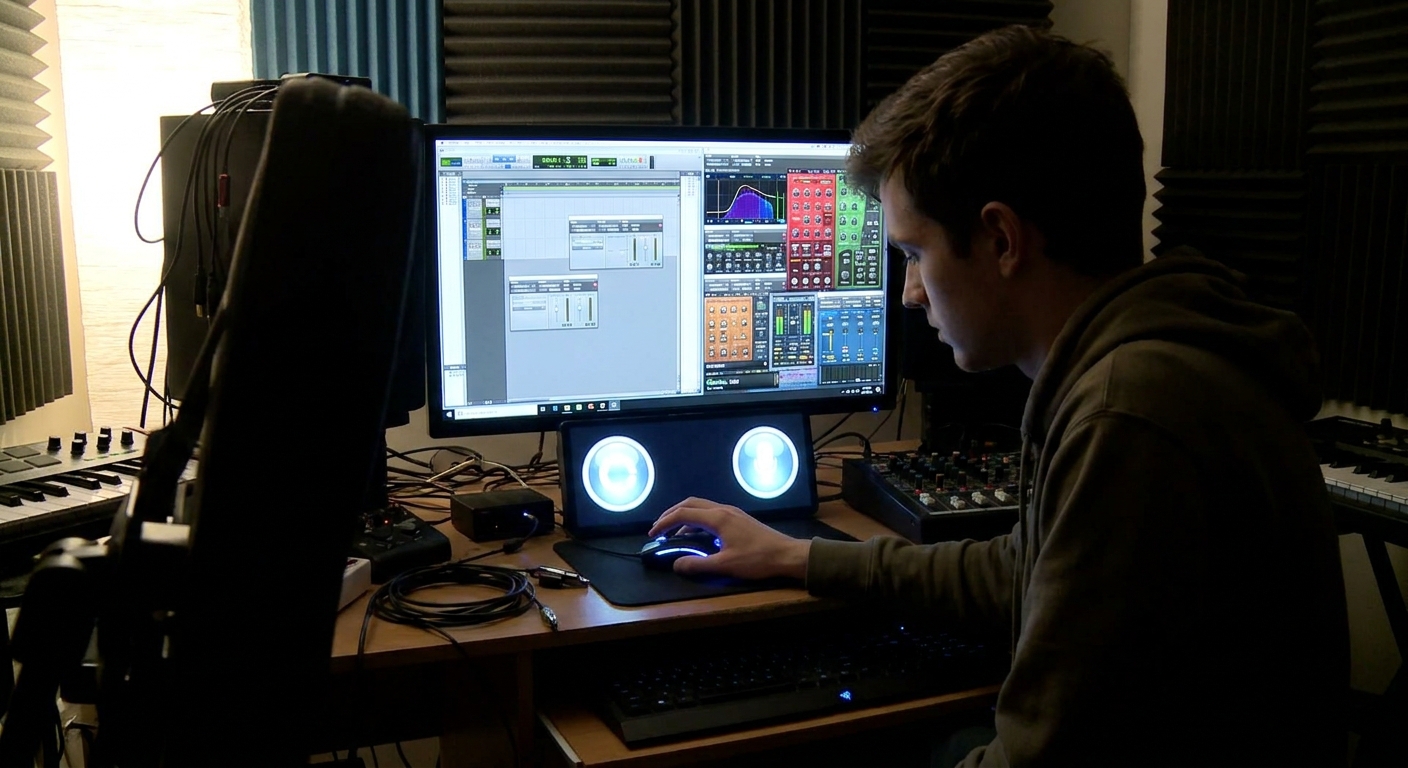
Many producers stall their growth waiting for the perfect plugin bundle. The truth: stock tools in modern DAWs are already powerful enough to make professional beats. Third-party plugins are enhancements, not prerequisites.
The Real Question Isn’t “What’s the Best Plugin?”
This guide compares stock and third-party options for core beat-making tasks—sound design, mixing, and creative FX—so you can build a smart, musical toolkit instead of an expensive plugin graveyard.
1. Synths and Instruments: Bread-and-Butter vs. Character
1.1 Stock Instrument Power
Most DAWs include at least one capable synth and a few ROMpler-style instruments.
- Ableton Live: Analog, Operator, Wavetable.
- FL Studio: Sytrus, Harmor, FLEX.
- Logic Pro: Alchemy, Retro Synth, ES2, Sampler/Quick Sampler.
- Studio One: Mai Tai, Presence XT, Sample One XT.
- Basses (808s, subs, analog-style).
- Plucks, pads, leads.
- Basic keys and atmospheric textures.
These are perfect for:
Workflow Tip: Commit to learning one stock synth deeply—start from init patches and build:
- Simple 808/sub patch.
- Soft pad.
- Pluck with short decay.
You’ll understand envelopes, filters, and modulation much faster using a single, stable interface.
1.2 When Third‑Party Instruments Shine
Third-party instruments excel in two areas:
- Instant vibe (presets with polished sound design).
- Realistic/acoustic instruments.
Popular choices:
- Omnisphere (Spectrasonics): huge sound design workstation.
- Serum (Xfer): clean, modern wavetable sounds.
- Analog Lab / V Collection (Arturia): classic analog emulations.
- Kontakt libraries: guitars, pianos, orchestral, ethnic.
- You spend too long fixing stock sounds with heavy processing.
- You need a specific vibe (e.g., authentic 70s keys, hyper-modern synths).
For beat makers, consider third-party when:
2. Drum Design: Samplers and Drum Machines
2.1 Stock Drum Tools
Your DAW almost certainly includes a drum machine/sampler combo:
- Ableton: Drum Rack + Simpler/Sampler.
- FL Studio: Channel Sampler, FPC, Slicex.
- Logic: Drum Machine Designer, Quick Sampler.
- Studio One: Impact XT, Sample One XT.
- Loading custom drum kits.
- Chopping breaks.
- Setting up velocity layers.
- Start/End points for tighter samples.
- ADSR envelopes for punchy or long tails.
- Pitch per pad for tuning kicks, 808s, and snares.
These are ideal for:
Key features to master:
2.2 Third‑Party Drum Plugins
Pros:
- Built-in kits & groove patterns.
- More advanced sound shaping (transient designers, layering engines).
- Battery (Native Instruments): deep drum sampler.
- XO (XLN Audio): sample organization + pattern generation.
- Superior Drummer / Addictive Drums: realistic kits.
Examples:
For electronic/urban beat making, stock samplers + good sample packs are often enough. Third-party shines when you want integrated workflow and organization, or ultra-real acoustic drums.
3. EQ and Compression: Transparent vs. Flavored
3.1 Stock EQ and Comp: Your Everyday Workhorses
Every DAW includes:
- A parametric EQ.
- One or more compressors.
- Surgical EQ cuts (mud, resonances).
- Basic tone shaping.
- Utility compression (leveling, sidechain).
- Kick: Stock EQ → Stock Comp (if needed).
- Snare: Stock EQ → Transient shaper (if available) or comp.
- Vocals: HPF + de-esser + gentle compression.
Use stock tools for:
Typical chains:
3.2 Why Producers Love Third‑Party Dynamics
Third-party EQ/comp plugins often provide:
- Better visualization (spectrum analyzers, dynamic EQ).
- Analog-style color and saturation.
- Innovative features (auto-gain, mid/side control).
- EQ: FabFilter Pro-Q 3, DMG Equilibrium, Crave EQ.
- Compression: FabFilter Pro-C 2, Waves CLA-76, UAD 1176/LA-2A.
- Use stock for 80% of corrective work.
- Reach for third-party when tone and character matter and you know what you’re after.
Standouts:
Practical rule:
4. Reverb and Delay: Shared Space vs. Special FX
4.1 Stock Time-Based FX
Stock reverbs and delays have improved dramatically.
Use them for:
- Main room/plate reverb for snare and vocals.
- Simple slapback or 1/4 delays on leads.
- Ping-pong delay for melodic elements.
Set these up as send FX on Aux/Return channels for shared ambiance.
4.2 Third‑Party for Tone and Realism
Upgrade when you want:
- More realistic spaces (convolution reverbs).
- Distinct character (vintage, plates, spring, lo-fi).
- Reverb: Valhalla VintageVerb/Room/Plate, Seventh Heaven, FabFilter Pro-R.
- Delay: Soundtoys EchoBoy, FabFilter Timeless, Valhalla Delay.
Examples:
Stock gets you a solid, modern sound. Third-party shines when you want your space/delay to be part of the beat’s identity.
5. Saturation, Distortion, and Color
5.1 Why Saturation Is Critical in Beat Making
Saturation:
- Adds harmonics (helps 808s/low sounds translate to small speakers).
- Glues drums and buses.
- Creates perceived loudness without harshness.
- Basic overdrive/distortion.
- Tape/Tube sims (especially in Logic, Studio One, and Ableton).
Stock tools often include:
5.2 Third‑Party Color Boxes
Producers often swear by:
- Soundtoys Decapitator – versatile, aggressive.
- FabFilter Saturn – multiband, highly controllable.
- UAD or Waves analog console/tape emulations.
- Put mild saturation on Drum Bus, Music Bus, Bass Bus, and Mix Bus.
- Use more aggressive distortion on creative elements (808s, synth leads, FX).
Workflow idea:
6. Creative FX and Modulation: Where Third‑Party Really Wins
Stock FX usually cover:
- Chorus, flanger, phaser.
- Basic tremolo, autopan.
- Simple filters.
But third-party excels at creative workflows:
- RC-20 Retro Color – instant lo-fi, vinyl, wobble.
- Portal (Output) – granular, futuristic textures.
- ShaperBox (Cableguys) – timing, volume, filter, and panning modulation.
- Automated filter sweeps into drops.
- Stutter effects on last bar of a hook.
- Time-stretch glitches on vocal chops.
Use these sparingly to create signature moments:
7. A Smart Plugin Acquisition Strategy for Beat Makers
7.1 Stage 1: Stock-Only Mastery
- Learn one stock synth inside out.
- Build a routing template with stock EQ, comp, and reverb.
- Release beats using only included tools.
You’ll develop transferable skills and understand what you’re actually missing.
7.2 Stage 2: Targeted Upgrades
Buy plugins only to solve clear problems:
- Need better mixing clarity? Get a visual EQ (Pro-Q 3 or similar).
- Need more modern sound design? Grab one flagship synth (Serum, Pigments, etc.).
- Need faster vibe? Get one creative FX plugin (RC-20, EchoBoy, ShaperBox).
7.3 Stage 3: Flavor and Redundancy
Once you’re working consistently and maybe monetizing, extras become about flavor:
- Different compressor flavors.
- More reverbs/delays.
- Niche instruments (world, orchestral, cinematic).
But remember: each new plugin adds learning overhead. Only keep what you actually reach for.
8. Workflow Examples: Stock vs. Third‑Party Chains
8.1 808 Processing
Stock Chain:
- EQ: HPF at 20–30 Hz, mild low-mid cleanup.
- Compressor (if dynamics are uneven).
- Saturator/Overdrive for harmonics.
- Pro-Q 3 (dynamic EQ on boomy resonances).
- Decapitator (drive for aggression).
- Pro-MB (control sub vs. upper harmonics separately).
Third‑Party Chain:
8.2 Melodic Lead
Stock Chain:
- EQ: remove harshness around 3–6 kHz.
- Delay (1/4 or 1/8 dotted) on send.
- Reverb plate on send.
- Character EQ (Pultec-style) for musical boosts.
- EchoBoy (feedback mod, saturation).
- Valhalla VintageVerb (large, modulated plate).
Third‑Party Chain:
Final Perspective
Your skills, ears, and workflow matter far more than your plugin list. Stock tools can absolutely produce chart-ready beats if you understand sound selection, gain staging, and arrangement.
Third-party plugins become powerful once you know why you want them and how they fit into your signal flow. Build your toolkit on purpose, not out of FOMO, and your beats will sound better long before your plugin folder gets bigger.