Most tutorials show you a vocal chain or a drum chain. Then you try it on your track, and it falls apart.
Introduction
What you actually need is a modular system: building blocks you can rearrange for different genres, tempos, and sound sources.
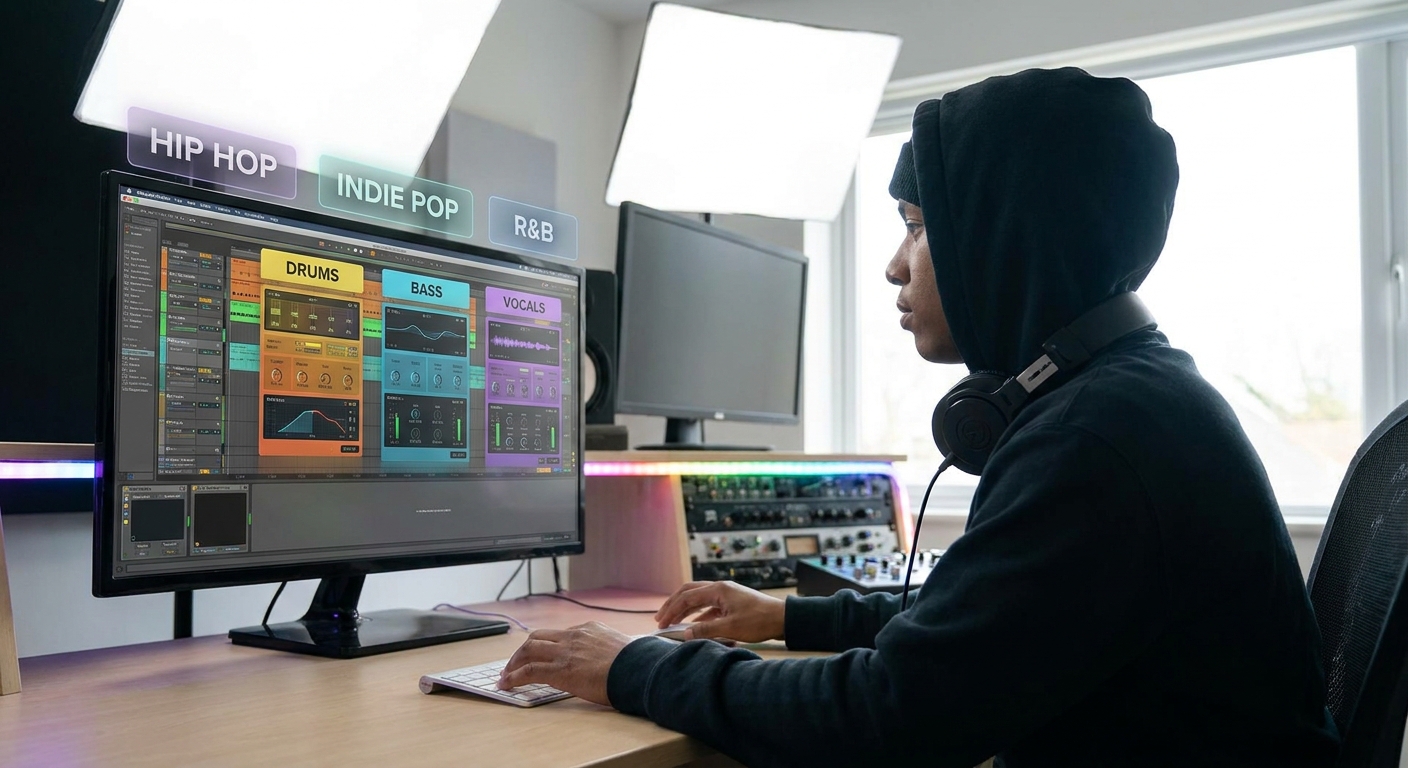
This article breaks down drum, bass, and vocal chains into modules, with concrete examples for:
- Pop & EDM
- Hip Hop & Trap
- Rock & Indie
We’ll stay DAW-agnostic but point to specific tools in Ableton Live, FL Studio, Logic Pro, and Pro Tools so you can implement these chains immediately.
1. The Modular Chain Concept
Instead of “one magic preset,” think in modules:
Utility (gain, phase, cleanup)
Subtractive EQ
Dynamics (compression/expansion)
Tone/Color (saturation, analog emu)
Enhancement EQ (air, presence, body)
FX/Sends (reverb, delay, modulation)
For any source, you pick which modules you need and how strong they should be.
2. Drum Chains by Genre
2.1 Pop & EDM Drums
Goal: Punchy, bright, and controlled; everything snapped into place.
Kick Chain (Module Example)
- Utility: Gain/Trim so peak is around -10 to -6 dB.
Subtractive EQ:
- High-pass 20–30 Hz. - Notch any boxiness around 200–350 Hz.
Compression:
- Fast attack (5–15 ms), medium release. - 2–4 dB GR to tighten body.
Tone EQ:
- Small boost at 50–80 Hz (weight). - Presence at 3–5 kHz (click) if needed.
Saturation:
- Mild drive to add harmonics for translation on small speakers.
DAW plugins:
- Ableton: EQ Eight, Compressor, Saturator.
- FL: Fruity Parametric EQ 2, Fruity Compressor, Fruity WaveShaper.
- Logic: Channel EQ, Compressor (FET), Overdrive or Tape Delay with Feedback=0.
- Pro Tools: EQ III, Dyn3 Compressor, stock distortion.
- Glue compressor (2–4 dB GR, medium attack).
- Bus saturation (tape or console emu).
- Optional transient shaper if kicks/snares need extra attack.
Drum Bus for Pop/EDM
2.2 Hip Hop & Trap Drums
Goal: Hard-hitting, often darker and more transient-forward.
Differences from Pop/EDM:
- Less bus compression; let transients slam.
- More focus on 808/kick relationship.
808 Chain
- Utility: Mono, gain staged.
EQ:
- High-pass 20–30 Hz. - Low-mid cut if muddy (~200–300 Hz).
Saturation:
- Add harmonics so 808 is audible on phones. - Use a waveshaper or soft clipper.
Compression (optional):
- Slow attack to keep punch.
Parallel route an 808 to a distortion bus, blend for aggression.
2.3 Rock & Indie Drums
Goal: Lively, glued, more dynamics.
Differences:
- Use more room mics and bus compression.
- Embrace some bleed and imperfection.
- SSL-style comp, 2–4 dB GR, slower attack for transient punch.
- Gentle EQ tilt: bit more top (10 kHz), bit less mud (250 Hz).
- Maybe a parallel crush bus:
- Heavy compression (10+ dB GR).
- Blend under the dry kit.
Drum Bus
3. Bass Chains by Genre
3.1 Pop & EDM Bass (Synth or Layered)
Goal: Solid low-end foundation with clear mids.
Modular chain example:
- Utility: Mono below ~120 Hz (can do with M/S or dedicated width tools).
Subtractive EQ:
- High-pass 20–30 Hz. - Tame mud around 150–300 Hz.
Compression:
- Aim for consistent level (3–6 dB GR). - Sidechain from kick (full-band or multiband).
Saturation:
- Enhance midrange for small speakers.
Tone EQ:
- Boost fundamental area (40–80 Hz) moderately.
DAW specifics:
- Ableton: Use Multiband Dynamics for sidechaining low band only.
- FL: Fruity Limiter or Peak Controller for sidechain.
- Logic: Compressor with sidechain; Multipressor for multiband.
- Pro Tools: Dyn3 Compressor or sidechain in Pro-MB.
3.2 Hip Hop & Trap Bass / 808s
Goal: Dominant, characterful, often mono-centered.
Extra modules:
- Pitch envelope control (in synth/sampler) for glide.
- Distortion bus for grit.
Chain:
- EQ cleanup.
- Saturation (heavier than Pop, but still musical).
- Light compression or transient shaping.
- Sidechain from kick (often only low band).
3.3 Rock & Indie Bass (Electric)
Goal: Glue with drums, support guitars.
Consider dual-band processing:
- Low band: compressed, steady.
- Mid/high band: more dynamic, dirtier.
- Split with multiband (Ableton Multiband Dynamics, FL Maximus, Logic Multipressor, etc.).
- Or create duplicate tracks: one low-passed, one high-passed, process separately.
Implementation options:
Add amp sim/saturation on the mid/high track for vibe.
4. Vocal Chains by Genre
4.1 Pop & EDM Vocals
Goal: Polished, bright, upfront.
Modular chain example:
- Utility: Gain & cleanup, high-pass around 70–100 Hz.
- Subtractive EQ: tame mud (200–400 Hz), harshness (3–5 kHz if needed).
Compression Stage 1 (Leveling):
- 3–6 dB GR, smooth.
De-esser:
- Focus on 5–8 kHz.
Compression Stage 2 (Character):
- 1176-style for excitement.
Saturation / Exciter:
- Subtle presence boost.
Enhancement EQ:
- High shelf 10–15 kHz for air.
FX Sends:
- Short plate. - Longer hall for big moments. - Stereo delays with ducking (sidechained from the lead).
Stock plugin notes:
- Ableton: Compressor → Glue; EQ Eight; Reverb; Simple Delay.
- FL: Fruity Compressor → Fruity Limiter (comp); Parametric EQ 2; Delay 3.
- Logic: Compressor (Opto → FET); Channel EQ; Space Designer; Stereo Delay.
- Pro Tools: Dyn3 / Pro Comp; EQ III; D-Verb; ModDelay.
4.2 Hip Hop & Trap Vocals
Goal: Forward, punchy, often dry or with short, characterful FX.
Differences:
- Less lush reverb; more short room and delays.
- More prominent saturation.
- Slightly heavier compression for in-your-face delivery.
- Aggressive de-essing if using bright top-end boosts.
- Add a slapback delay (80–120 ms) for thickness.
Chain tweaks:
4.3 Rock & Indie Vocals
Goal: Emotional, integrated with band, sometimes gritty.
Differences:
- Often more dynamic; allow some transients.
- More use of tape/console saturation.
- Reverbs and delays shaped to match room/band vibe.
- Single compressor doing less (2–4 dB GR).
- Saturation for color (tape, console, preamp emus).
- Plate or chamber reverbs, sometimes spring.
Modules:
5. Building Reusable Chains in Your DAW
Ableton Live
- Create Audio Effect Racks with modules as chains.
- Use Macro knobs to control important parameters (e.g., “Air,” “Glue,” “Slam”).
- Save as presets labeled by role:
Vox_Pop_Foundation,DrumBus_Rock_Glue. - Build chains on Mixer inserts.
- Use the Save mixer track state as… feature.
- Create genre folders in your presets:
Chains/EDM,Chains/HipHop, etc. - Save Channel Strip Settings with clear names.
- Use Track Stacks (Summing) as reusable drum or vocal groups.
- Use Track Presets or import session data from a template session.
FL Studio
Logic Pro
Pro Tools
Focus on modularity: don’t save one massive chain; save small building blocks.
6. Creative Workflows: Starting from the Bus Down
Instead of obsessing over each channel from the start:
- Build drum bus, bass bus, and vocal bus chains.
- Get the buses sounding right.
- Only then dive into individual tracks to fix what the bus doesn’t solve.
Benefits:
- Faster mixes.
- More cohesive sound.
- Less plugin overload.
7. A Genre-Smart Checklist for Every Mix
- Identify genre + reference tracks.
Choose suitable module strengths:
- Pop/EDM: tighter dynamics, brighter tones. - Hip Hop/Trap: harder transients, focused low-end. - Rock/Indie: more dynamics, organic color.
Build chains using:
- Utility → Subtractive EQ → Compression → Color → Enhancement → FX. 4. Start from buses, refine individual tracks. 5. Save successful chains as modular presets.
Conclusion
There is no universal “best vocal chain” or “EDM drum preset.”
What works is a modular toolkit you understand deeply enough to bend for any track.
Break your chains into flexible blocks, dial their intensity to match the genre, and your mixes will sound deliberate instead of accidental—no matter which DAW you’re using.